For couples and wedding planners
Free Wedding Seating Chart Maker
Bring the guest list you already have, set out tables on your real floor plan and let Auto-seat keep families together. When it looks right, print a chart that matches your wedding.
Free to start · Pro is $29 once per wedding, not a subscription · No card needed
In short
What is Seated in Love?
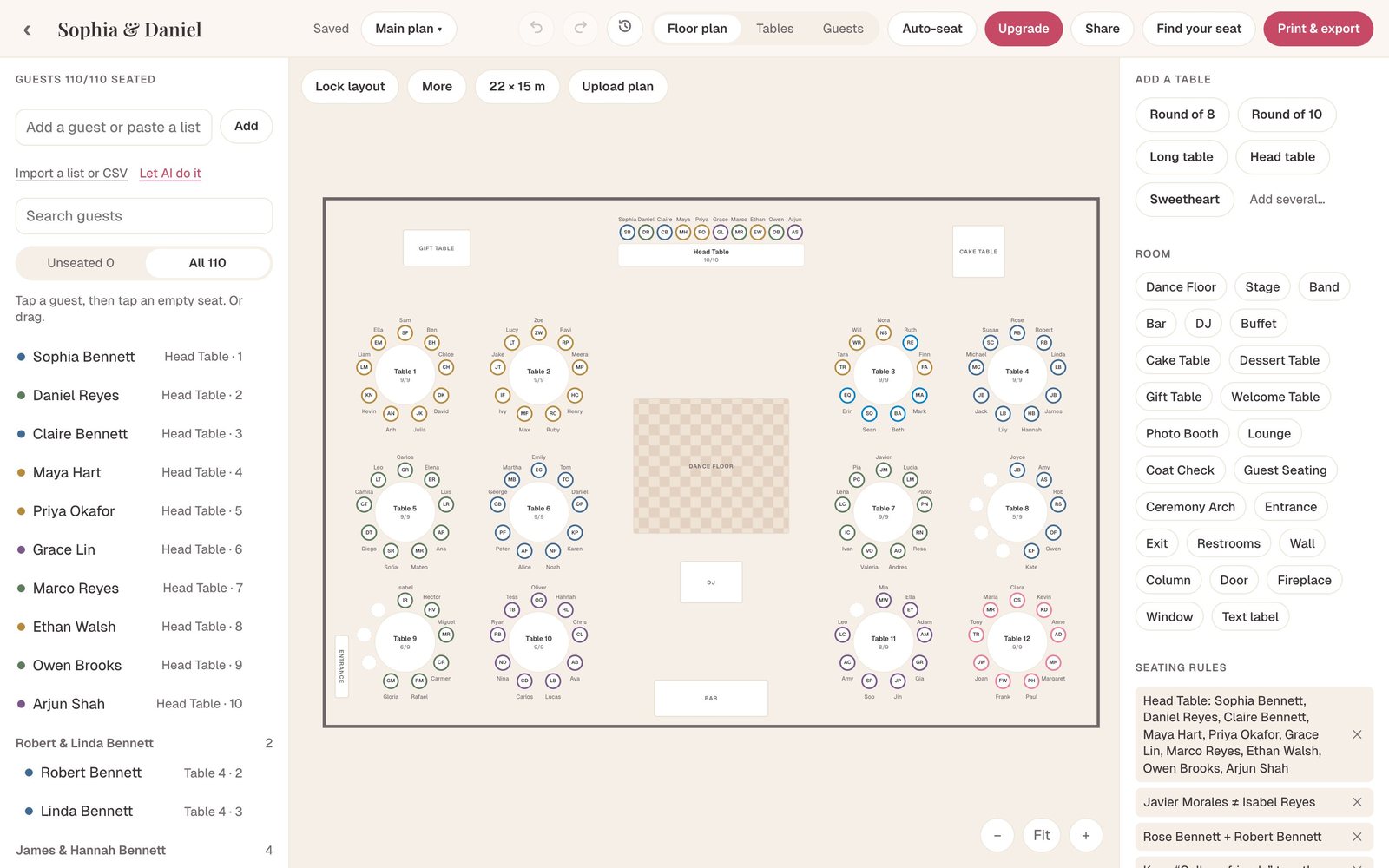
Seated in Love is an online wedding seating chart maker. Paste or upload your guest list and AI sorts it into households, groups and plus-ones. Arrange tables on a drag-and-drop floor plan at your venue’s real size, seat guests yourself or let Auto-seat place everyone while it respects who must sit together and who must not. Then print a themed chart, table cards and place cards, or share a QR page where guests find their own seat. It is free for your first 60 guests; Pro is a one-time $29 per wedding.
How it works
How do I make a wedding seating chart online?
Four steps, from the list you already have to a chart on the easel.
Start with the list you already have
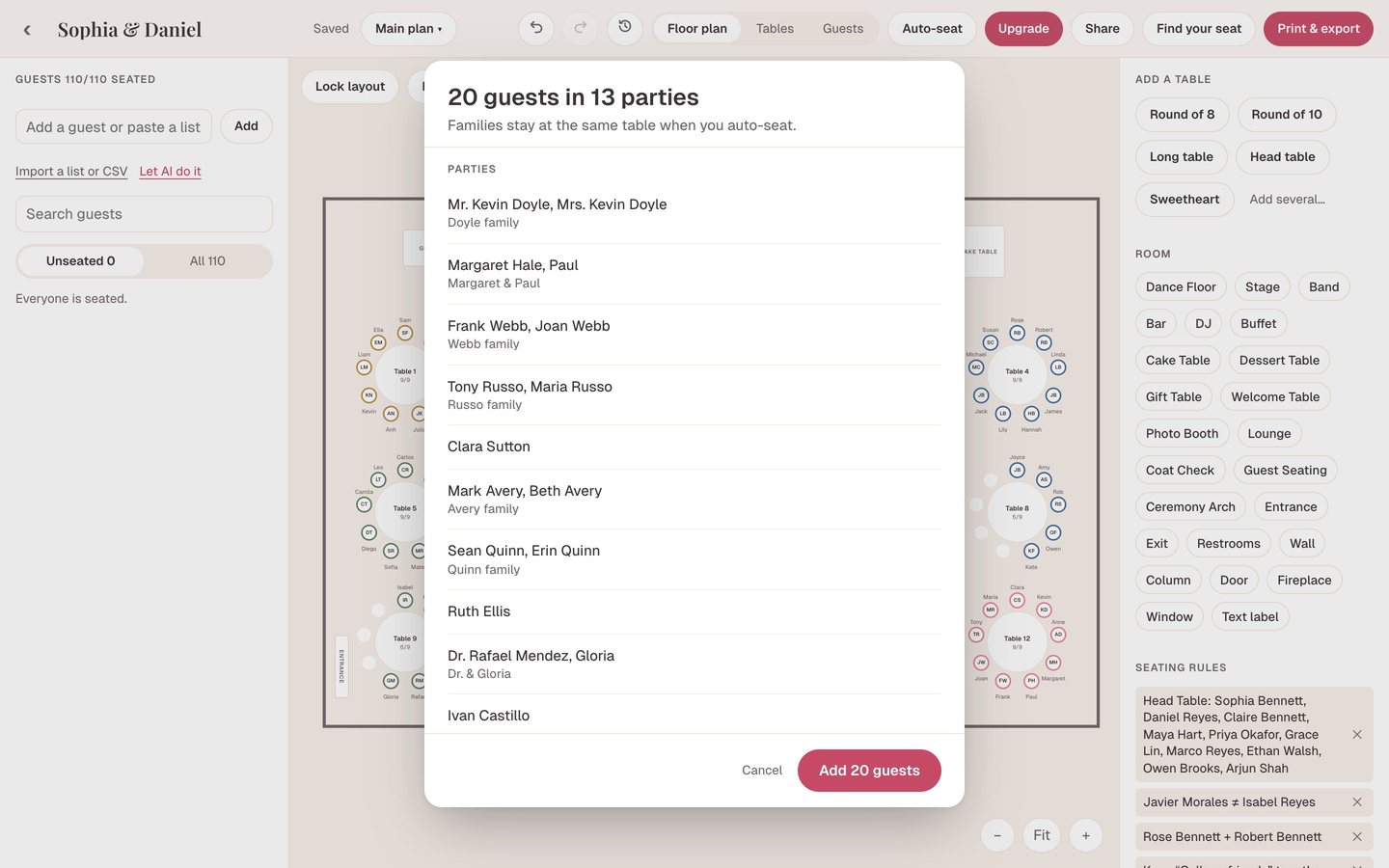
Paste it, upload a CSV from your wedding website, or hand over a messy spreadsheet with “Mr & Mrs Hale and kids” in one cell. AI import reads it into households, groups and plus-ones, asks a few quick questions, and every guest lands in one tidy list. RSVPs, meals, dietary needs and notes live on each guest.
- Paste, CSV, TSV or a messy spreadsheet
- Households and plus-ones worked out for you
- Duplicates found and merged
Lay out your real room
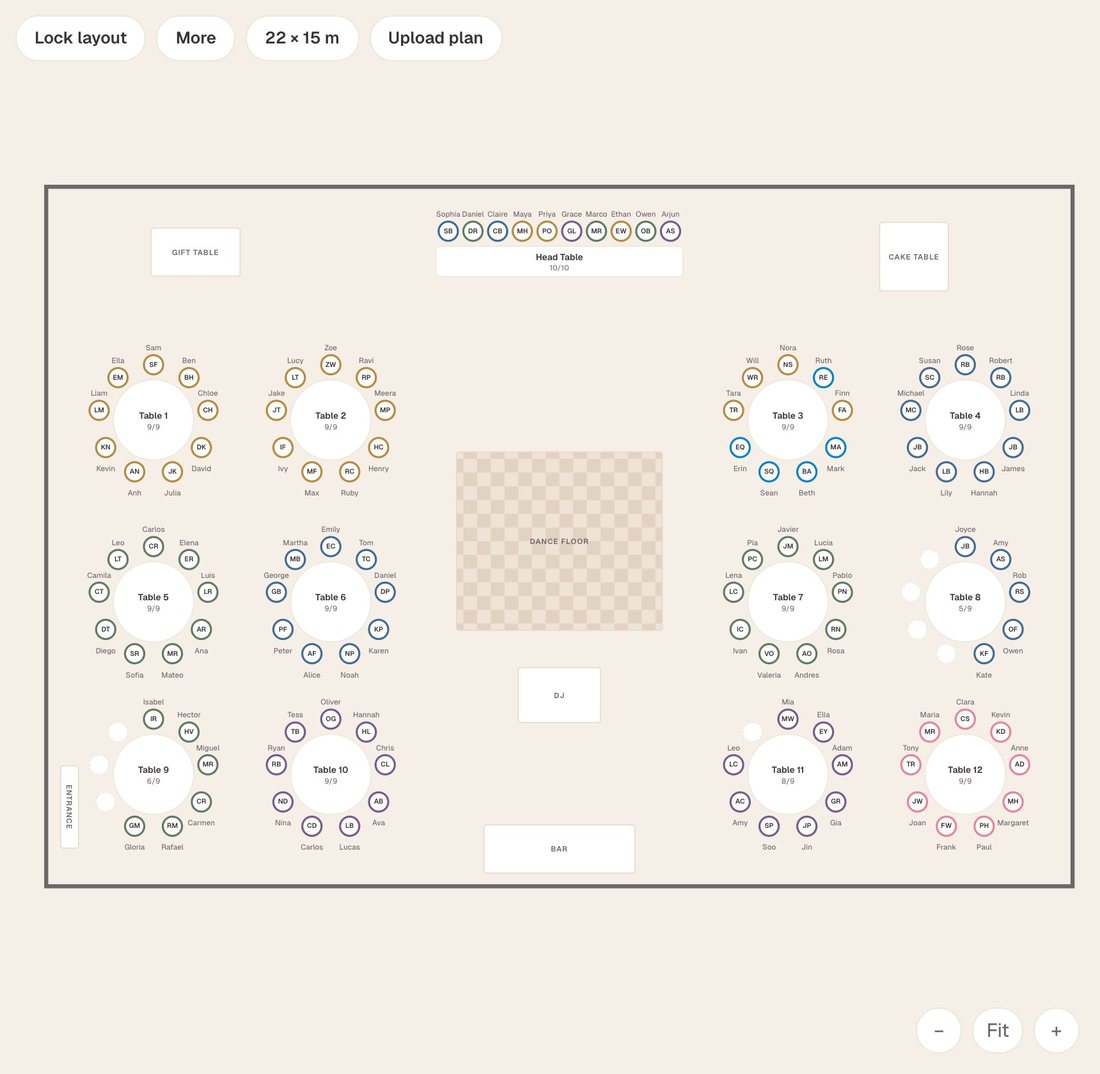
Set the room to your venue’s size, or upload the venue’s floor plan as a photo or PDF and trace over it. Add round, long, head and sweetheart tables, then the dance floor, DJ, bar, cake table and doors. Everything is to scale, so what fits on screen fits in the room.
- Room size in meters or feet
- 24 room items, from dance floor to coat check
- Lock the layout once the venue signs off
Seat everyone in one click
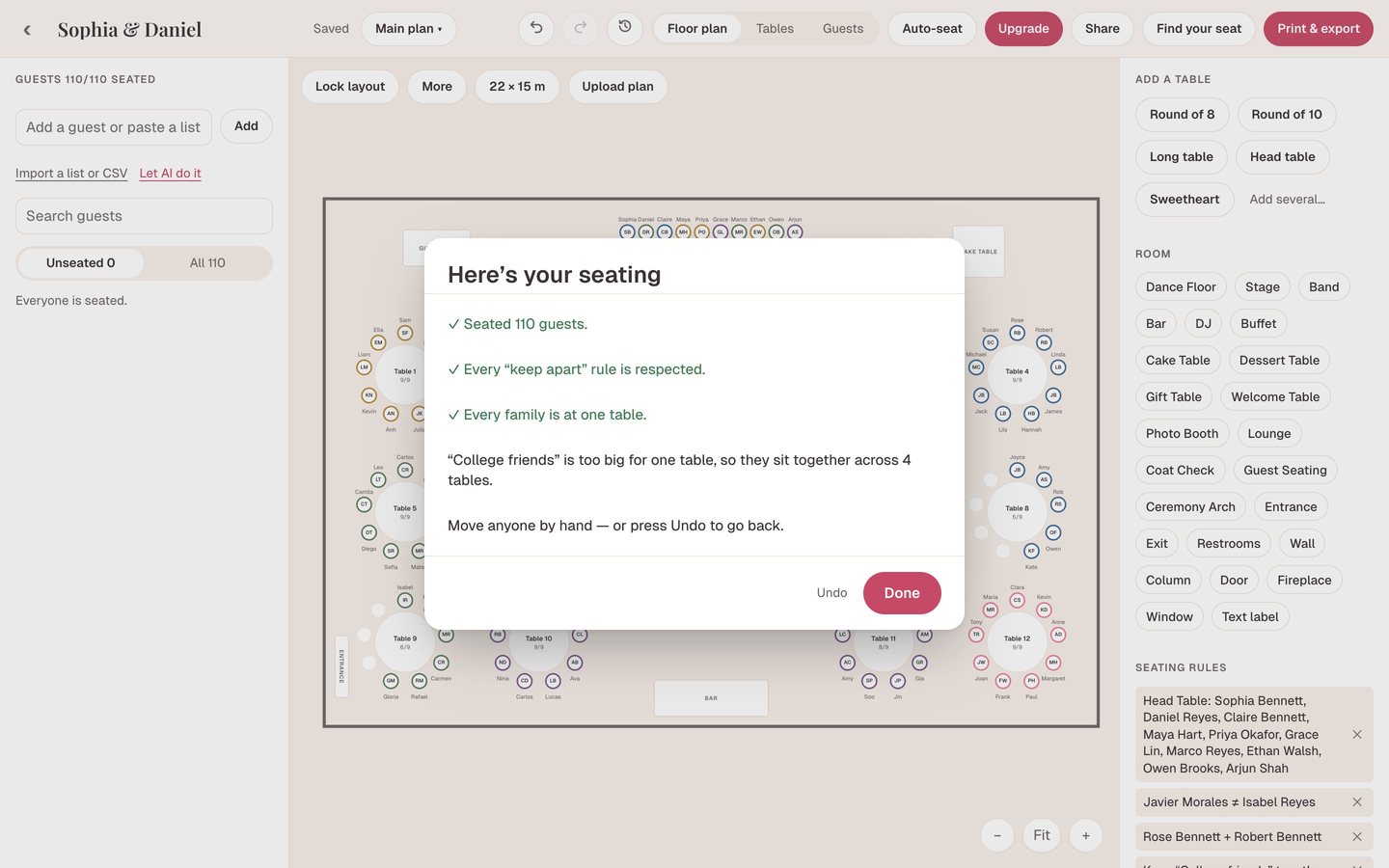
Auto-seat knows your rules: keep this couple apart, sit Grandma with Grandpa, put the wedding party at the head table, keep the college friends together. It never moves anyone you already placed, fills tables evenly, and tells you exactly who it could not seat and why.
- Keep-apart, together, head table and group rules
- Fine-tune by dragging guests between seats
- Conflicts flagged on the plan
Print a chart that looks like your wedding
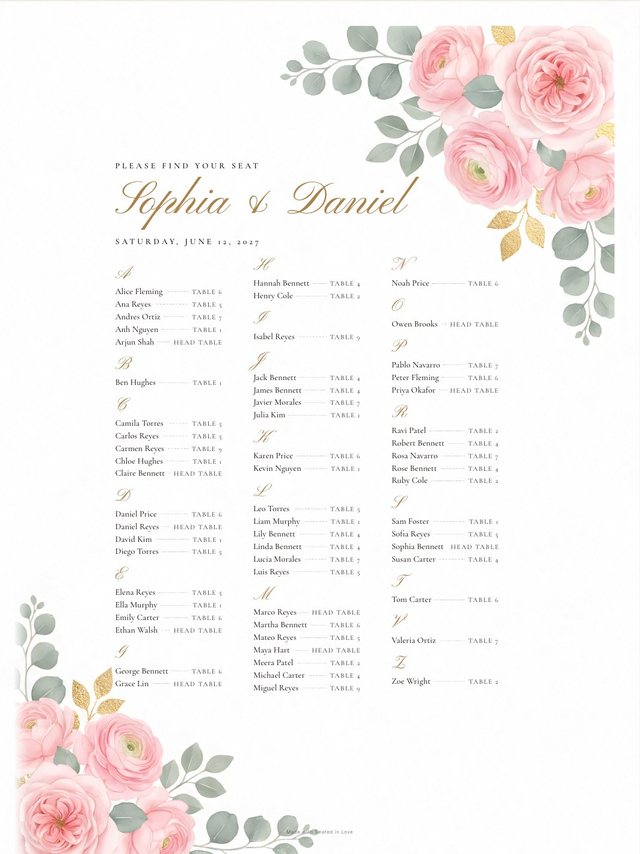
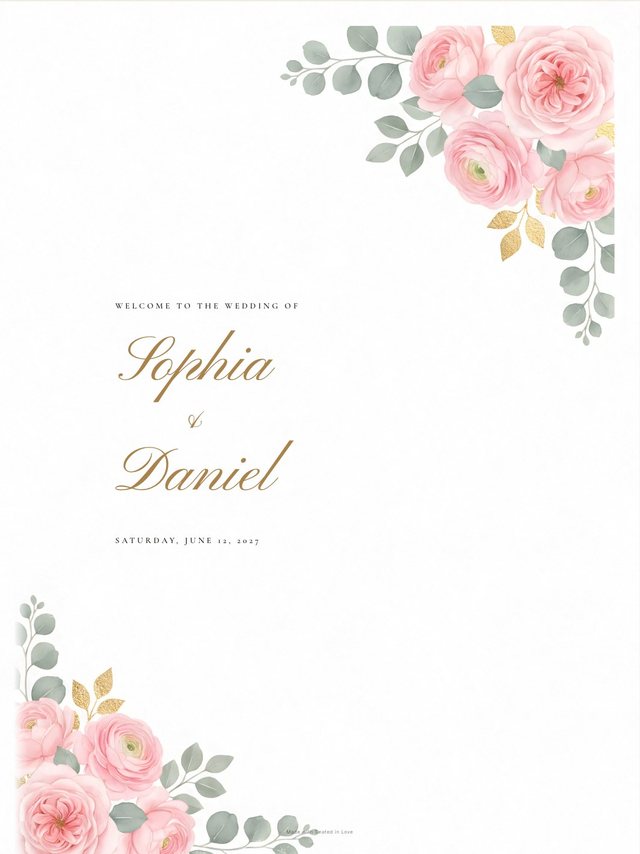
Export an A–Z guest finder, a table-by-table list, a floor-plan chart, table cards, table numbers, place cards, a welcome sign and a meal list for your caterer. Pick from twelve themes, then set the paper size from a 5×7 card up to a 24×36 poster, as a PDF or image.
- Nine print types from one plan
- Twelve themes, high-resolution artwork
- Free to print for your first 60 guests
Designed to suit your wedding
Choose a seating chart style you love
Your chart is part of the decor, not paperwork. Twelve themes dress your chart, table cards and place cards alike.
 Rose GardenWatercolor roses with gold leaf
 Blush WatercolorSoft peonies and eucalyptus
 LavenderSweet peas in violet
 EucalyptusSage greenery, quietly elegant
 Navy & GoldDeep navy, gold script
 Black TieBlack and ivory, formal
 ForestMoody painted magnolias
 Ivory ClassicFine border, timeless
 Ink MinimalClean lines, modern
 SeasideDunes and sea grass
 Champagne GoldWarm ivory, gold script
 TerracottaBurnt orange, boho
Pick your fonts, change the wording and the sizes, then preview and export when everything looks right.
A QR code for your guests
Let guests find their seat by scanning a QR
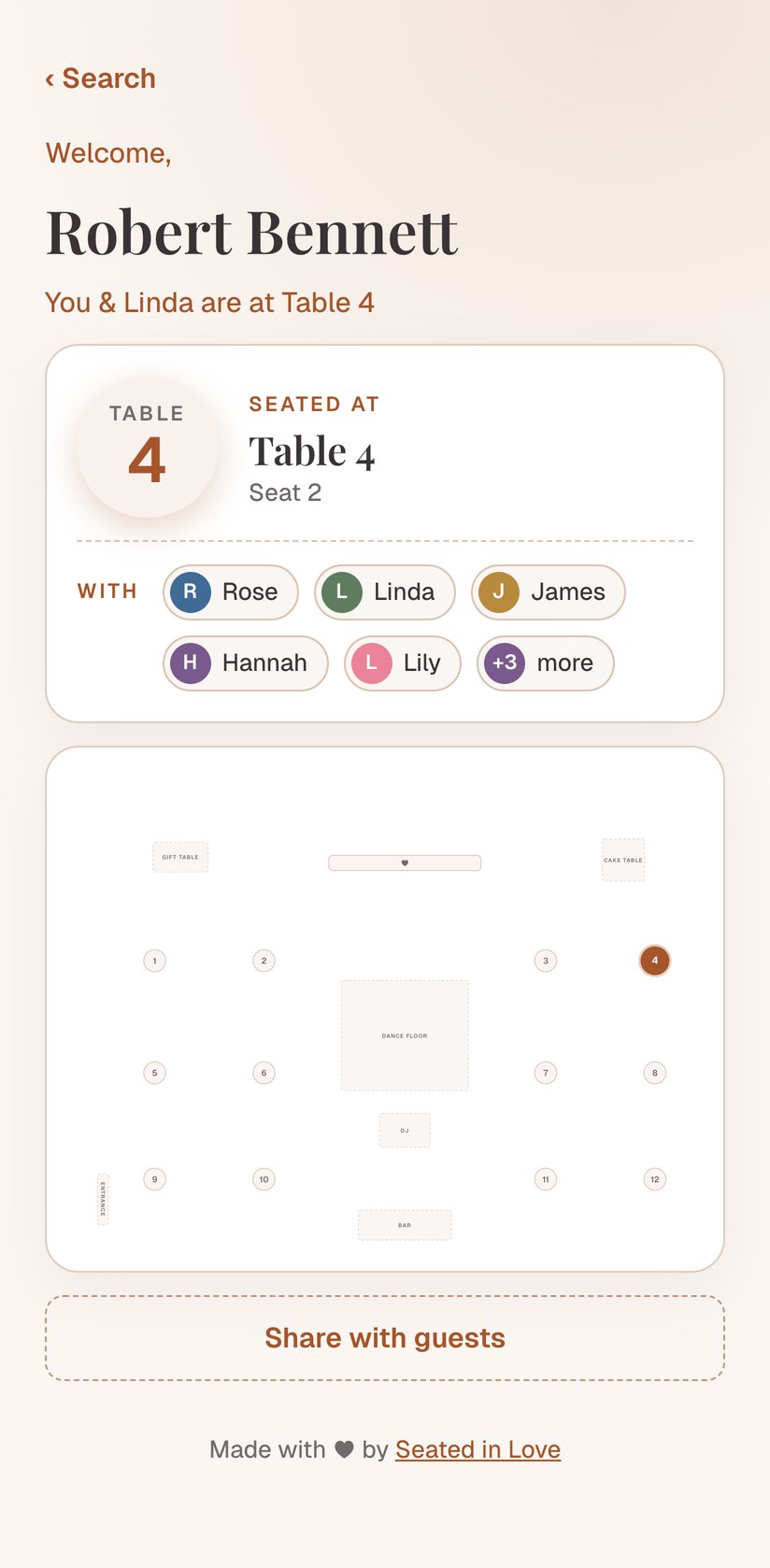
Turn your finished plan into a guest page. Guests scan one QR code and type their name, then see their table, their seat, their meal, who they are sitting with, and a map of the room.
- One QR for a welcome sign, the invitations or your wedding website
- Updates live when you move someone, no app to install
- Private: guests search their own name, nobody can browse the list
- Optional passcode, and you can take it down after the wedding
Watch the demo
See how it works in under a minute
Watch a pasted guest list turn into a seated reception, then into a printed chart.
Start free →Also included
Everything else your seating plan needs
Works on any device
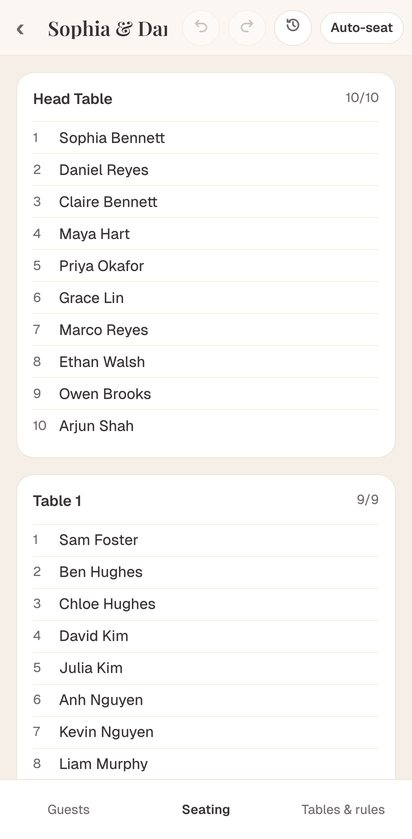
Plan on your laptop, fix a seat from your phone, walk the venue with a tablet. It runs in the browser and saves as you go.
Plan together
Invite your partner, a parent or your planner into the same plan, as an editor or view-only. No more spreadsheet versions.
Several plans, one guest list
Ceremony, reception and a backup layout side by side. They share one guest list, so a change to a guest updates every plan.
Just what your vendors need
Print a meal directory for the caterer, the floor-plan chart for the venue and a CSV for your stationer, all from the same plan.
Undo, autosave and history
Every change saves on its own. Undo a move, or go back to any earlier version of the whole plan.
The clearer way to plan
A seating chart tool, not a spreadsheet or a design program
| What you need | Spreadsheets | Design tools | Seated in Love |
|---|---|---|---|
| Visual reception floor plan | ✕ | ✓ | ✓ |
| Drag-and-drop guest seating | ✕ | – | ✓ |
| Guest list, RSVPs and meals | ✓ | ✕ | ✓ |
| Reads a messy list into households, groups and +1s | ✕ | ✕ | ✓ |
| Auto-seating that follows your rules | ✕ | ✕ | ✓ |
| Change once, every chart and card updates | – | ✕ | ✓ |
| Several plans, one guest list | ✕ | ✕ | ✓ |
| Print-ready charts and place cards | ✕ | ✓ | ✓ |
Already have your list on a wedding website?
Wedding websites like The Knot, Zola and Joy keep your RSVPs. Seated in Love does the seating: the floor plan, the rules, Auto-seat and the prints.
Export your guests as a CSV and bring them over in a minute.
- Export a CSVfrom your wedding website or spreadsheet
- Import it herecolumns are matched for you
- Seat and printyour tables, your theme
Who it’s for
A wedding seating planner for every kind of celebration

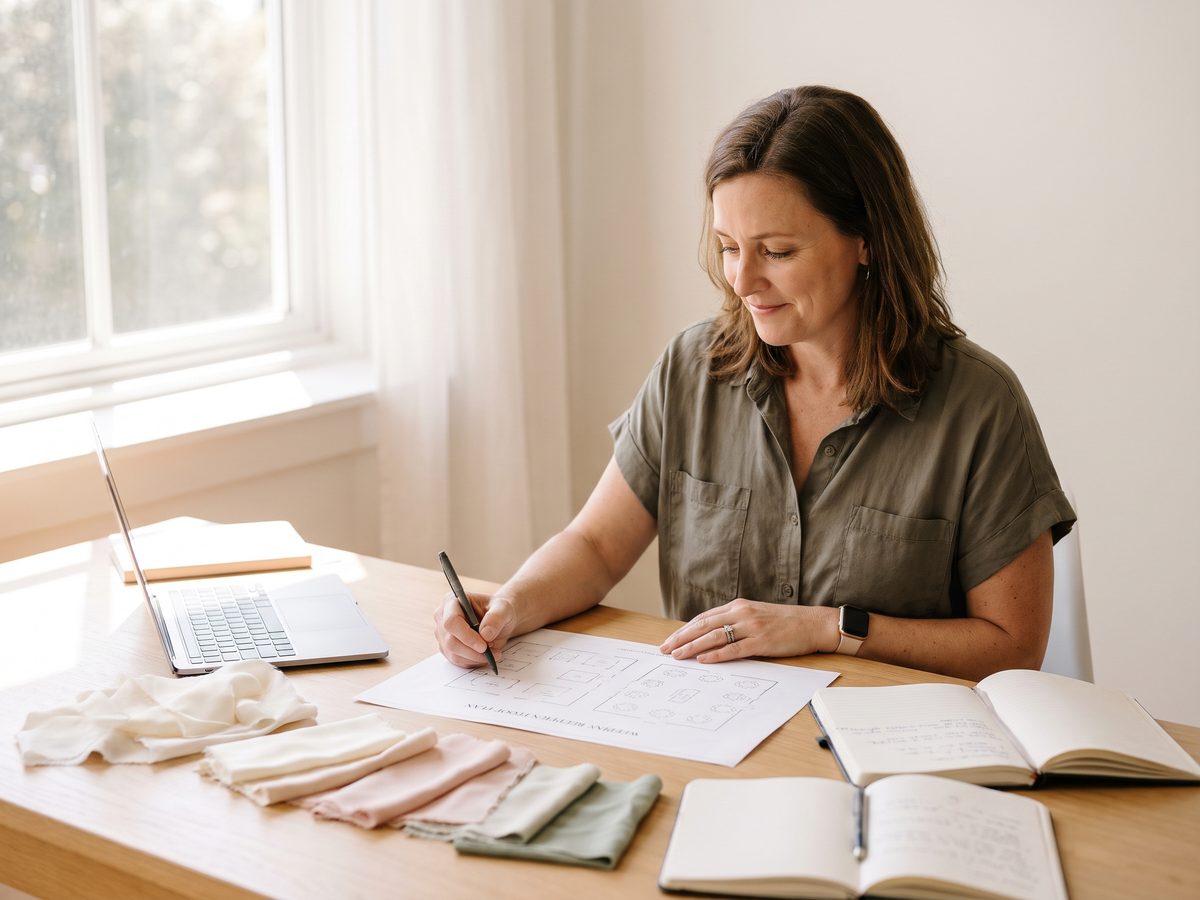
Engaged couples
Make your first seating plan with no design or event-planning experience.
Wedding planners →
Every client’s seating in one place, each couple invited into their own plan, exports without our credit line.
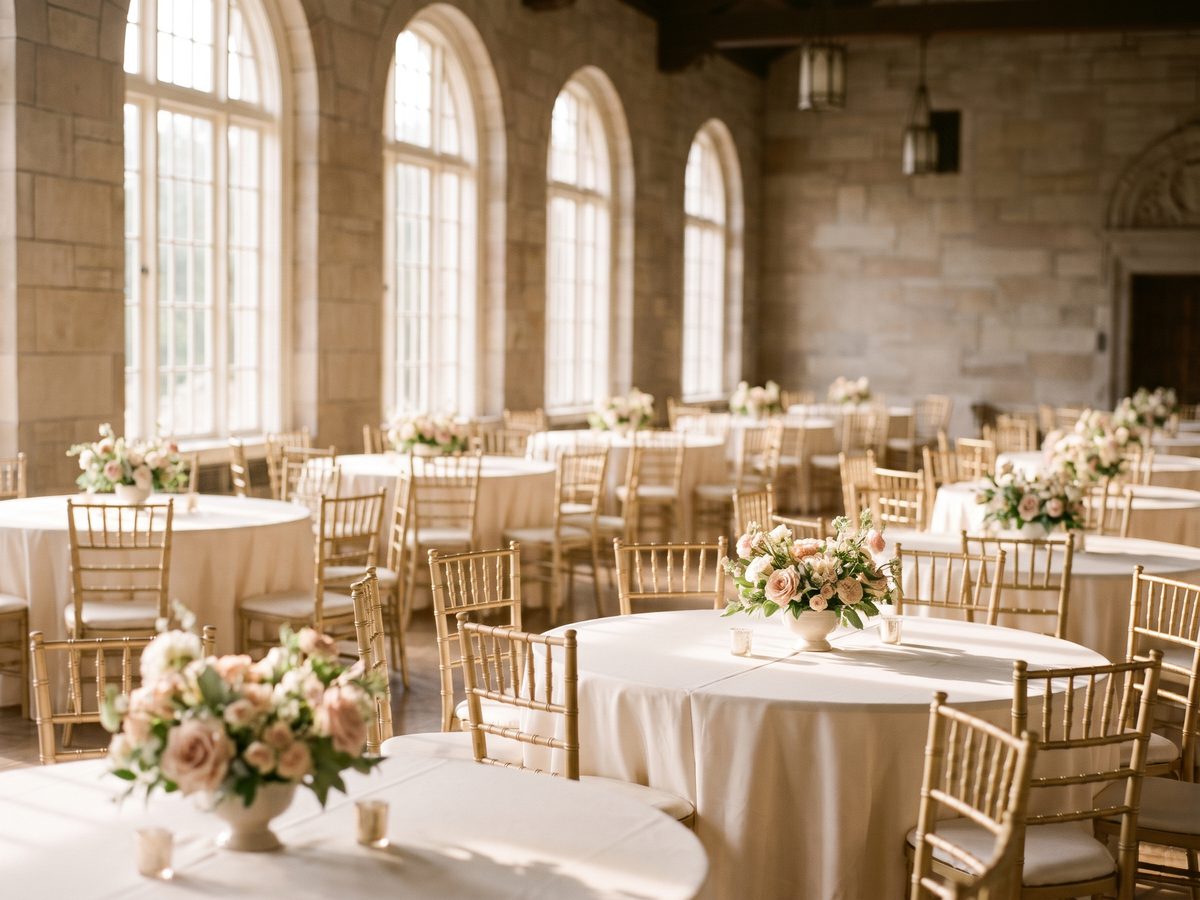
Venues
A clear picture of tables, capacities, room features and who sits where, at the real size of your room.
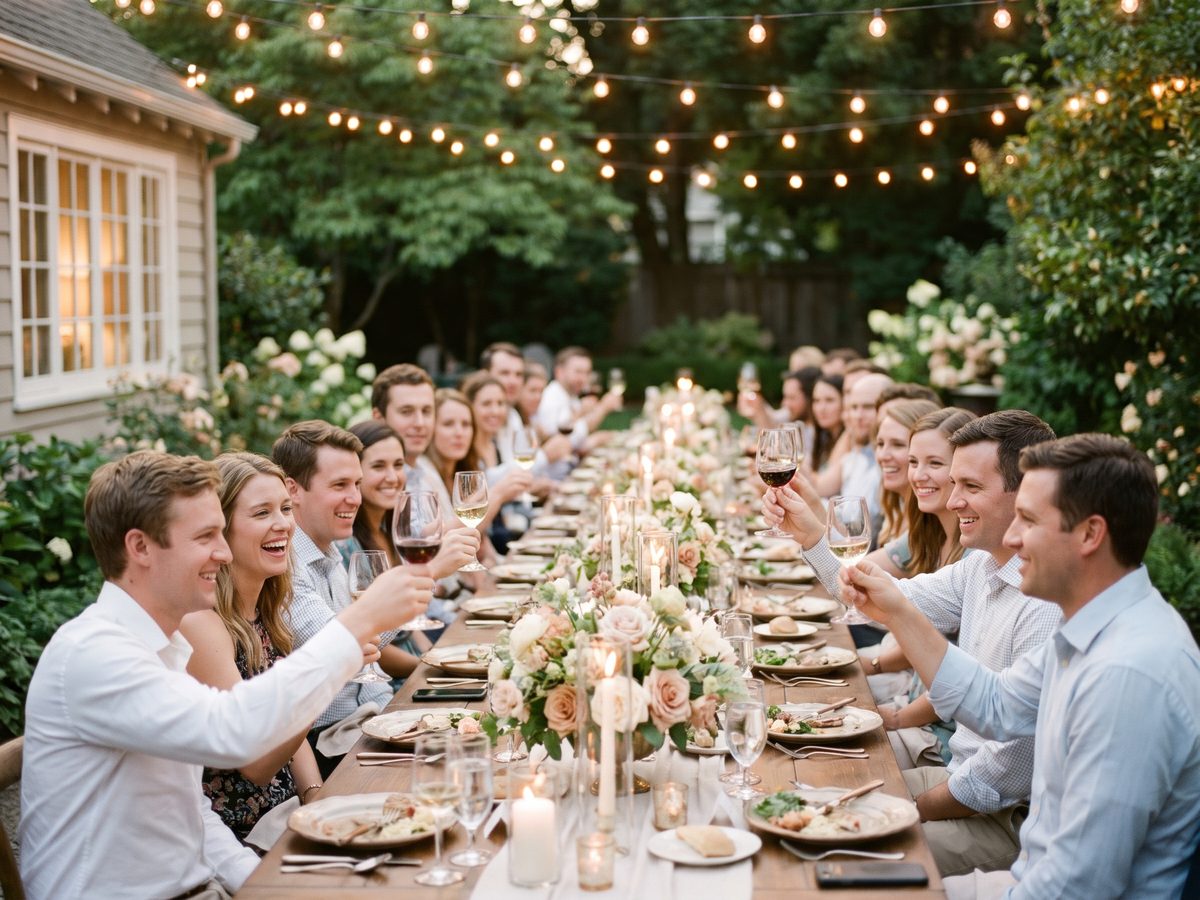
Intimate weddings
A smaller dinner with exact seat assignments and a simple, elegant chart.
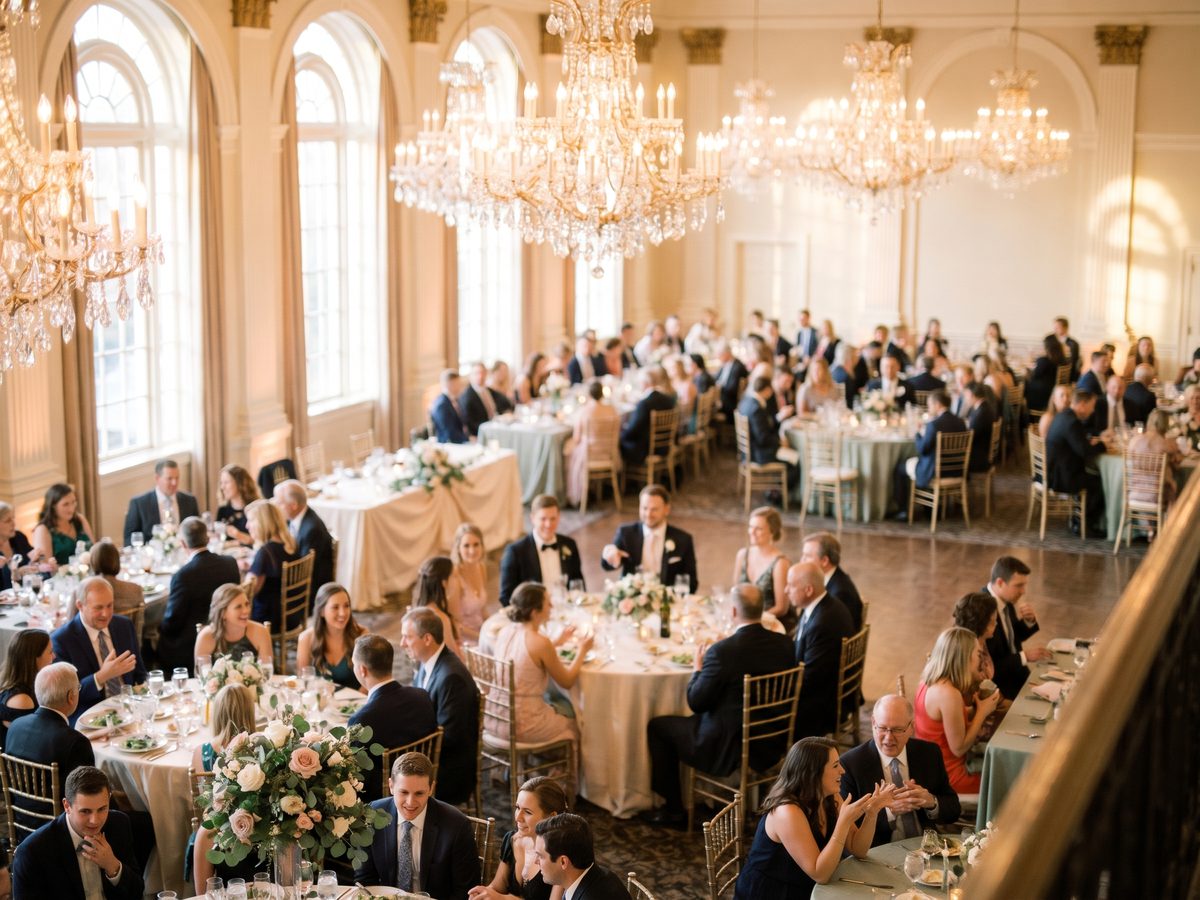
Large weddings
Hundreds of guests across families, friend groups, meal choices and room areas.
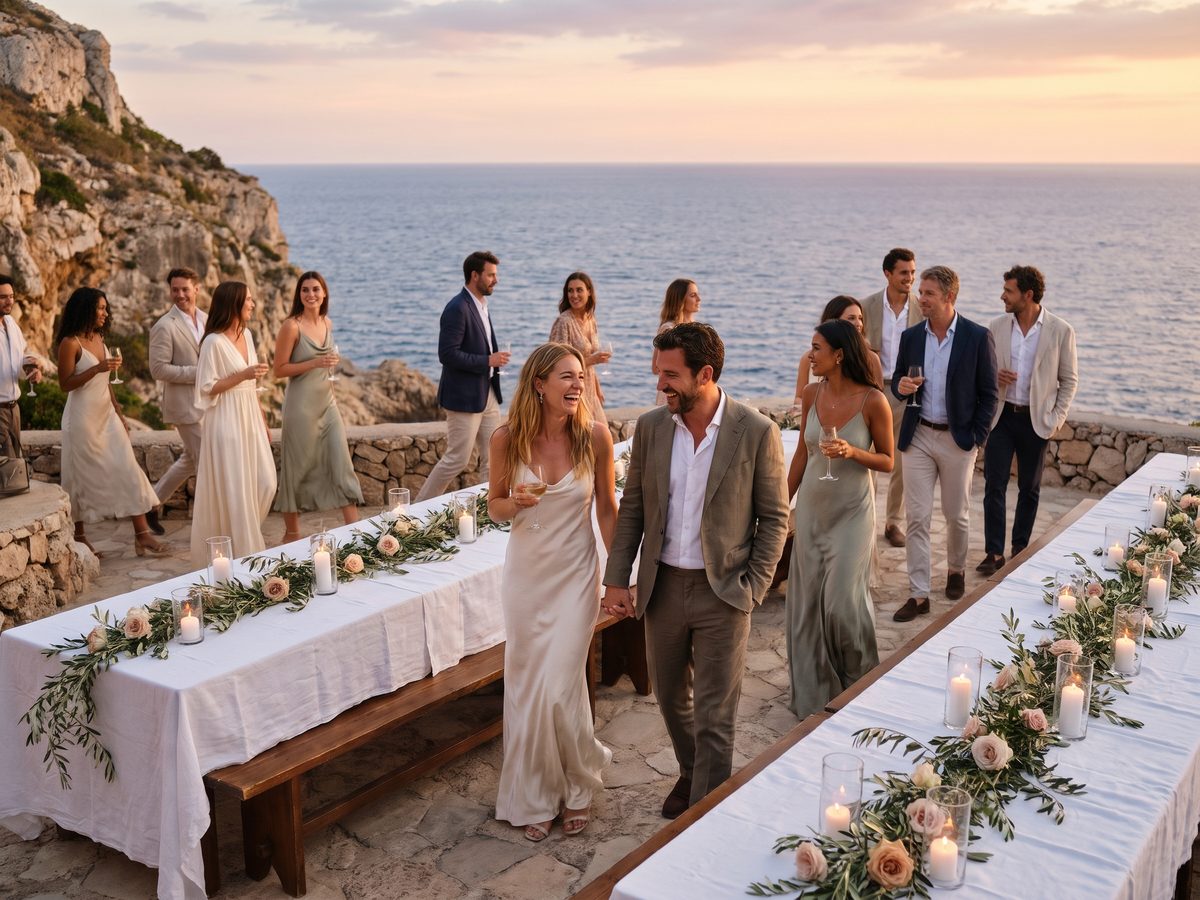
Destination weddings
The plan lives online, so it travels with you and your vendors abroad.
Free to start
Simple, honest pricing
Every feature is free for your first 60 guests, with no card. Pay once when you need every guest on the chart, or choose Agency if you plan weddings for clients.
Free
Everything, for your first 60 guests.
- 1 wedding, 1 seating plan
- Unlimited guests in your list, the first 60 seated and shown
- Floor plan, rules and Auto-seat
- Print charts and cards in all 12 themes
- 3 AI list imports
- Find Your Seat QR page
Pro
Every guest on every chart. Not a subscription.
- Every guest on your chart, cards and QR page
- Up to 5 seating plans
- 10 AI list imports
- Guest CSV with tables and seats
- No credit line on your exports
Agency
For planners with many client weddings.
- Everything in Pro, on every wedding
- Unlimited weddings and seating plans
- Invite each couple into their own plan
- No credit line on any export
- Priority support · cancel anytime
Prices in US dollars. Compare plans in detail.
Wedding seating tips
How should you plan a wedding seating arrangement?
A good plan makes guests feel looked after and keeps the evening moving. Start here.
Confirm the room first
Ask the venue for the floor plan, the table shapes and how many fit at each, plus doors, the bar and anything fixed. Seat guests last, not first.
Sort guests into groups
Group people by how they know you: close family, extended family, school friends, work friends, neighbors. Most tables fall out of these groups.
Place the important tables
Decide the head table or sweetheart table, then parents and grandparents near the front, then the wedding party’s partners.
Think about comfort
Older guests away from the speakers and near the restrooms, guests with wheelchairs near the door, families with small children near an exit.
Keep familiar faces together
Couples and households sit together, and everyone should know at least one person at their table. Avoid seating one guest alone among strangers.
Mix groups that will get along
When a group is too small for a table, pair it with one that shares an interest or an age range. Keep known tensions at different tables.
Leave room for change
Leave a seat or two free across the room for late RSVPs, and do the final chart about a week before the wedding, once the list is settled.
Give everyone the same answer
Print the chart, the table cards and the QR page from the same plan, so the easel, the tables and the phones never disagree.
Frequently asked questions
Questions, answered
Is Seated in Love a free wedding seating chart maker?
Yes. Every feature is free for your first 60 guests, with no card and no time limit. Your list can be any size; the first 60 seated guests are shown on your charts and QR page. Pro is a one-time $29 per wedding to put every guest on every chart.
What is a wedding seating chart?
A wedding seating chart tells guests where to sit at the reception. It is usually a large printed sign at the entrance listing guests alphabetically or by table, often paired with table numbers and escort or place cards.
How do I create a wedding seating chart?
Import your guest list, set out your tables on the floor plan, add rules such as who must sit apart, then seat guests by dragging them or with Auto-seat. When the plan is final, choose a theme and print the chart and cards.
Can I import my wedding guest list?
Yes. Paste names, upload a CSV or TSV from your wedding website or spreadsheet, or let AI read a messy list. Columns are matched for you, and households and plus-ones are worked out from the names.
Can I assign guests to tables without choosing exact seats?
Yes. Drop a guest on a table and they take the next free seat. Exact seats only matter if you print place cards or want a specific order.
What table shapes can I use?
Round tables of any size, long banquet tables with or without seats at the ends, a head table with seats on one side, and a sweetheart table for two. Tables can be rotated and labeled.
Can Seated in Love seat my guests automatically?
Yes. Auto-seat places everyone who is not seated yet, keeps households together, follows your keep-apart and sit-together rules, fills tables evenly and never moves anyone you placed yourself. It shows who it could not seat and why.
Can I track meal choices and dietary needs?
Yes. Each guest can have an RSVP status, a meal choice, dietary needs and notes, and you can print a meal directory by table for your caterer.
Can my partner or wedding planner work on the same plan?
Yes. Invite them with a link as an editor or as view-only. Everyone works on the same plan, and every change is saved with a version history.
How do guests find their seat at the wedding?
Print the A–Z chart for the entrance, and publish the Find Your Seat page: guests scan a QR code, type their name and see their table, seat, meal and tablemates. Nobody can browse the full list.
What sizes can I print?
From a 3.5×2 inch place card and a 5×7 table card up to an 18×24 or 24×36 inch poster, plus Letter, A4, A3 and A2, as a PDF or an image.
When should I make my wedding seating chart?
Start once most RSVPs are in, usually four to six weeks before the wedding, and finalize about a week before so there is time to print.
Is Pro a subscription?
No. Pro is a single $29 payment for one wedding and never renews. Agency, for planners with many client weddings, is $59 a month and can be cancelled anytime.
Plan every guest, beautifully.
Start your wedding seating chart today. It’s free to begin.
Create your seating plan →Free to start · No card needed